Connect your AI to the web with 2Captcha MCP
Search, scrape, extract structured data, automate browser workflows, and handle protected websites through one Web MCP connection.
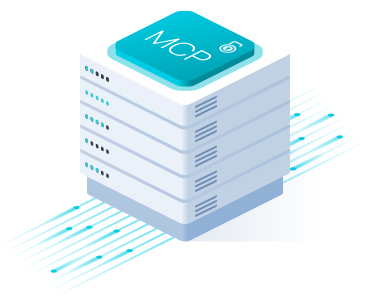
2Captcha Web MCP solves web access for LLMs and AI agents, allowing them to web search, protected page scraping, structured data extraction, browser automation, and captcha solving through a single MCP integration.
Your agent automatically uses the right tools for each task — from fast page access to a managed browser session with proxy and anti-bot support.
Developers worldwide have used the service
Software products rely on the service
Users earn through the affiliate program



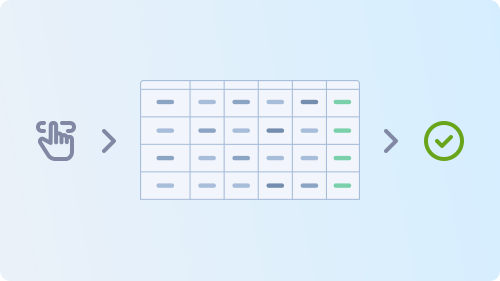
Give your AI agent a task. 2Captcha MCP selects the appropriate tools, handles web access, and returns the result.
Ask your AI to search, scrape, extract data, interact with a website, or solve a captcha.
The agent uses the available MCP tools based on what the task requires.
2Captcha MCP fetches the page directly or uses proxies and a managed browser when required.
Anti-bot checks, JavaScript rendering, browser sessions, and captcha challenges are handled as needed.
Your agent receives page content, structured data, browser output, or a captcha solution and continues the workflow.
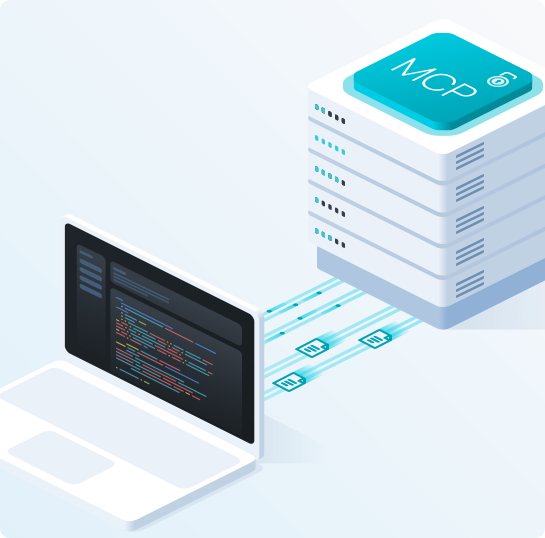
Connect 2Captcha MCP to your AI client using the hosted server or run the official package locally.
Hosted MCP: Connect directly without installing or running your own server.
Local MCP: Run the official @2captcha/mcp package locally with npx.
MCP clients: Works with Claude Code, Claude Desktop, Cursor, VS Code, and other MCP-compatible clients.
Connect directly to the hosted MCP server using your API key.
URL: https://mcp.2captcha.com/mcp
Authorization: Bearer YOUR_API_TOKENConnect Claude Code directly to the hosted MCP server.
claude mcp add --transport http 2captcha https://mcp.2captcha.com/mcp \
--header "Authorization: Bearer YOUR_API_TOKEN"Run the official @2captcha/mcp package locally with npx.
{
"mcpServers": {
"2captcha": {
"command": "npx",
"args": ["@2captcha/mcp"],
"env": {
"API_TOKEN": "YOUR_API_TOKEN"
}
}
}
}Run the official @2captcha/mcp package locally with npx.
{
"mcpServers": {
"2captcha": {
"command": "npx",
"args": ["@2captcha/mcp"],
"env": {
"API_TOKEN": "YOUR_API_TOKEN"
}
}
}
}Run the official @2captcha/mcp package locally with npx.
{
"servers": {
"2captcha": {
"command": "npx",
"args": ["@2captcha/mcp"],
"env": {
"API_TOKEN": "YOUR_API_TOKEN"
}
}
}
}
Collect structured data from product pages, listings, and other websites, including pages that require additional access handling.
Extract titles, prices, ratings, sellers, stock, offers, and other product information into structured JSON.
Process multiple pages and URLs without building a separate scraping workflow for every source.
Give AI agents access to current web data for research, RAG, analysis, and automated workflows.
Let AI agents search the web, access pages, and receive clean Markdown or structured JSON for further processing.
Collect fresh text and structured data from multiple web sources for datasets, analysis, and model workflows.
Search websites, collect relevant information, and track changes across multiple sources.
Find relevant pages, scrape their content, and extract the information needed for analysis or comparison.
Track prices, availability, listings, content changes, and other data that needs to be checked regularly.
Use a managed browser when a task requires interaction, JavaScript rendering, authentication, or persistent session state.
Navigate pages, click, type, scroll, fill forms, run JavaScript, and capture screenshots or page content.
Save and restore login states so agents can continue multi-step workflows without starting a new session each time.
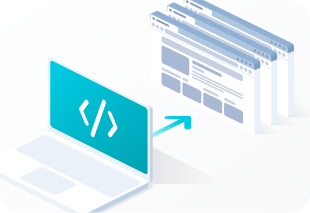
When a task requires real browser interaction, your AI agent can navigate pages, click, type, scroll, run JavaScript, capture screenshots, and work with dynamic content through 2Captcha MCP.
Navigate, click, type, select options, scroll, hover, and perform multi-step actions.
Get page text or HTML, run JavaScript, take screenshots, and save pages as PDF files.
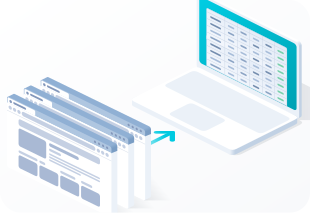
2Captcha MCP can extract useful data from web pages and return it in a format your AI agent can work with directly.
Define the fields you want and receive structured JSON that matches your schema.
Run scraping and parsing tasks across many URLs without handling each page individually.
Search, scrape, extract structured data, automate browser workflows, and handle protected websites through one Web MCP connection.