Browser fingerprint dataset for automation workflows
How to get started
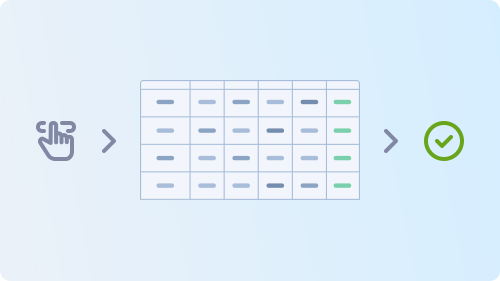
- Define your use case and determine what browser, device, and environment data you need.
- Specify the required dataset size, platform coverage, and delivery format for your workflow.
- Contact sales to get access to the dataset package that matches your needs.
Please note that this page provides only a brief overview. For more detailed information, contact sales using the link above.
Contacter l’équipe commerciale

 +973 3402 2155
 t.me/captchasupport_bot
 support@2captcha.com
 +1 (716) 486-3133
What each record includes
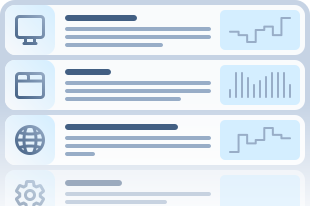
Each fingerprint record contains structured browser, device, and environment data designed for automation and testing workflows. Records can include browser properties, platform details, screen settings, navigator fields, language and timezone data, and other technical attributes needed for consistent testing across different browser and device profiles.
What is a browser fingerprint dataset
A browser fingerprint is a combination of browser, device, and environment properties such as screen resolution, fonts, plugin data, navigator fields, and other technical signals.
2Captcha provides access to a large, regularly updated dataset of fingerprint records based on real-device profiles. Designed for automation and testing workflows, it helps teams work with structured profile data, cover a wide range of browser environments, and test their systems more consistently across different scenarios.
Use cases
Data helps teams build realistic test scenarios, work across different environment combinations, and evaluate system behavior using structured, consistent records.
Automation Testing
Run automation in conditions that feel closer to production, not just controlled internal setups. Use realistic browser and device profiles to uncover brittle flows sooner and build automation that performs more reliably across varied environments.
QA Workflows
Bring more structure and confidence to QA. Work with consistent fingerprint data to cover more browser and device combinations, reduce noise in validation, and move through regression cycles with greater speed and clarity.
Profile-Based Validation
Put profile-aware logic under meaningful pressure. Test how your systems respond to changing browser, device, and environment conditions, and identify edge cases before they turn into visible failures.
Research and Analysis
Turn structured fingerprint records into practical engineering insight. Reveal hidden compatibility gaps, compare profile groups in detail, and spot environment-specific risks early enough to improve both testing strategy and product quality.
Coverage across browsers, devices, and platforms
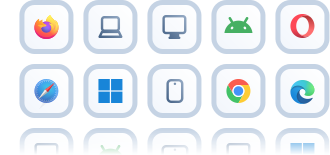
The dataset provides broad coverage across browser, device, and platform combinations found in real-world environments. It includes desktop and mobile profiles, major browser families, different operating systems, and a wide range of device characteristics to support testing across diverse scenarios.