





Free Proxy Switcher Extension
This plugin allows you to quickly switch and manage proxy server connections directly in browser.
Add to Chrome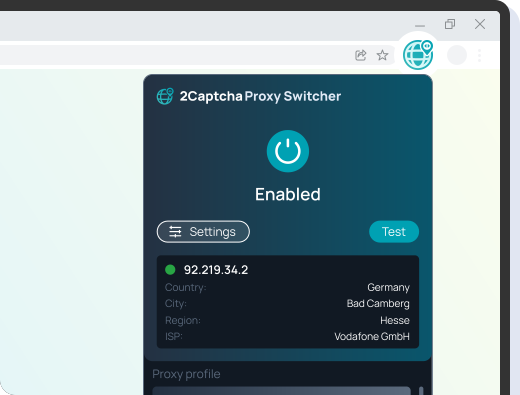

Firefox proxy switcher extension

Edge Proxy Server Extension

Opera Proxy Server Extension
How to use proxy switcher extension
1 Add the extension in your browser

2 Enter your proxy credentials in the settings
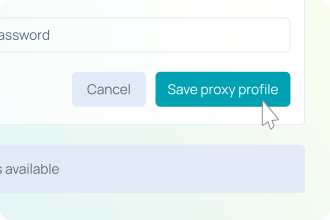
3 Switch proxies and start browsing
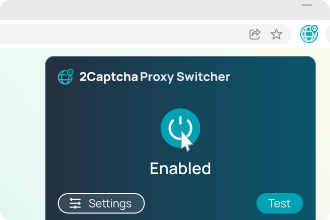
Proxy Switcher for Chrome, Firefox, and Other Browsers

A browser-based proxy switcher works with popular platforms such as Chrome, Firefox, Edge, and Safari. It allows you to manage proxy profiles, rotate IP addresses, and control traffic routing without installing additional software.
This solution is suitable for daily browsing, automation tasks, and professional use cases where fast proxy switching and stability matter.
Automatic Proxy Switching Based on Rules

An automatic proxy switcher lets you route traffic through different proxy servers without manual actions. You can define rules based on domains, URLs, or patterns, and the extension will select the correct proxy automatically.
This is useful for automation, web scraping, multi-account workflows, and testing websites under different network conditions. Automatic switching reduces errors and saves time when working with multiple proxy configurations.
Use cases

IP proxy switcher

Proxy and user agent switcher

Automatic proxy switcher
